Compare
Flett vs Excalidraw
MCP for Claude and ChatGPT, a Chrome extension, and an AI that writes docs, slides and diagrams on a board your team shares. Excalidraw is a great sketching tool; here is what each does best, and how to bring your drawings over.
Pick Excalidraw if
you want a quick hand-drawn sketch, free and open source, that works offline and can be hosted yourself, with end-to-end encryption.
Pick Flett if
you want Claude and ChatGPT over MCP, a Chrome extension and Flett's own AI to build docs, slides and diagrams on a board your team shares, with calls and comments in the same place.
Flett vs Excalidraw at a glance
MCP: Claude and ChatGPT draw on your board
Connect Flett to Claude, ChatGPT, Cursor or Codex as an MCP server, then ask for a flowchart, a mind map, a deck or a document. It lands on your board as real notes, shapes and sheets, and everyone on the board sees it appear. Your AI app's own model does the work, so none of your Flett balance is spent.
Excalidraw has MCP too: an open-source app that draws diagrams inside the chat, and an Excalidraw+ server in beta. The difference is where the result lives. In Flett it sits on a shared board next to everything else, and it can be a document, slides, a page or a React app as well as a diagram. See MCP server.
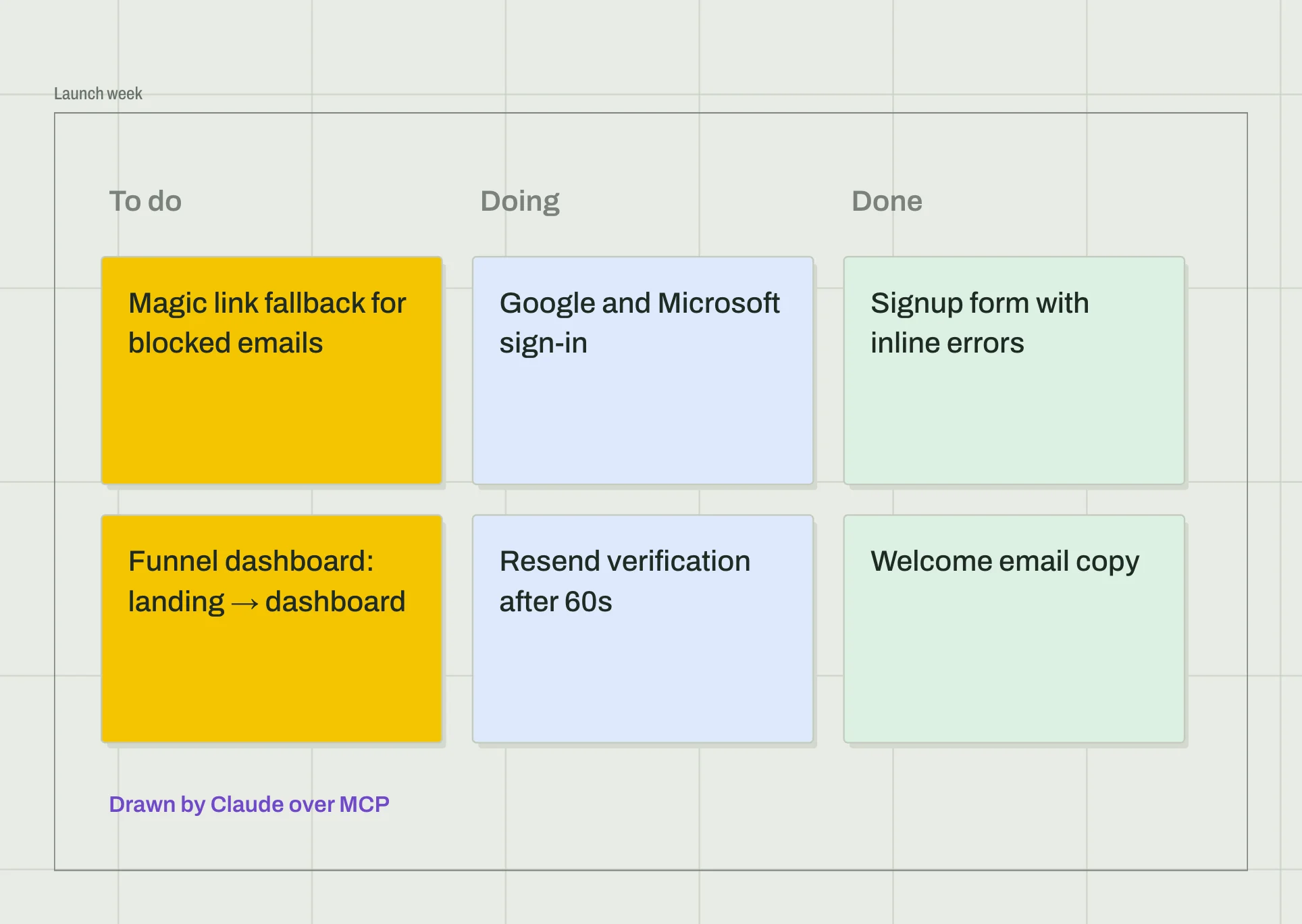
Chrome extension: clip anything to your board

Right-click any web page and send it to a board: the article, a link, a selection, an image, an area or a screenshot. A Claude artifact arrives live and keeps working on the board, React apps included. Everyone on the board sees it land. See Flett Clipper.
AI that writes docs, slides and diagrams on the board
Excalidraw's AI turns a prompt into a diagram, or a wireframe into code. Flett's AI works with the whole board: it reads what is there, and answers with the shape that fits. A plan becomes a document, a talk becomes slides, a process becomes a flowchart, and a question about numbers becomes a working dashboard. Every answer lands as a sheet you can move, edit, present and export.
The sheet is written in front of everyone on the board, not in a side panel only you can see. Select one part of it, a heading or a chart, and ask about just that part. See Ask the AI and Answer formats.

Interactive sheets: vote, play and present together
A sheet on a Flett board can do things, and everyone does them together. A poll counts votes as people click, a checklist ticks off for the whole team, a timer runs for everyone, a game plays between people on the board. Claude and Flett's AI build them on request, and Claude artifacts you clip keep working. What one person changes, everyone sees at once. See Interactive sheets and the library.
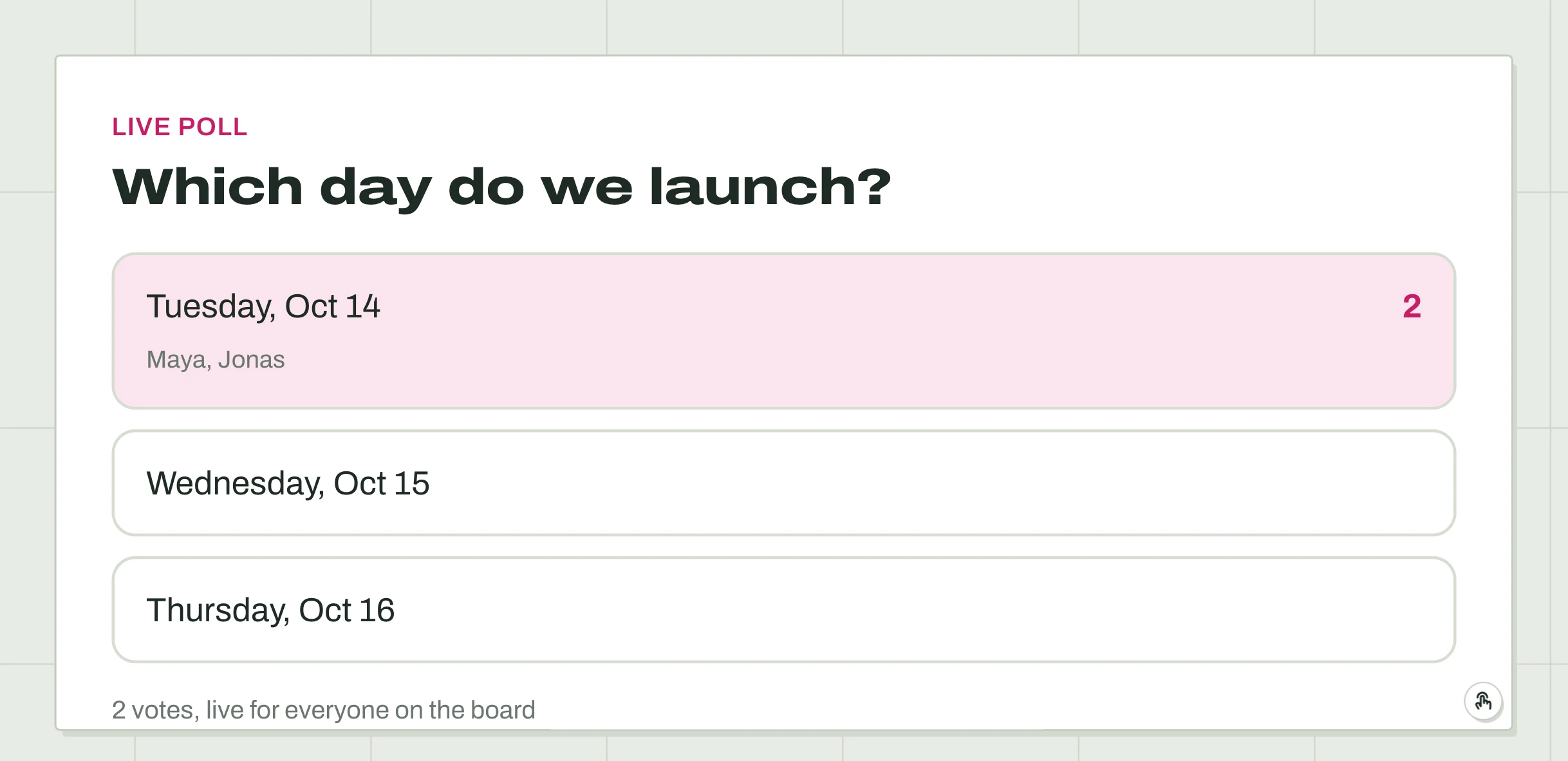
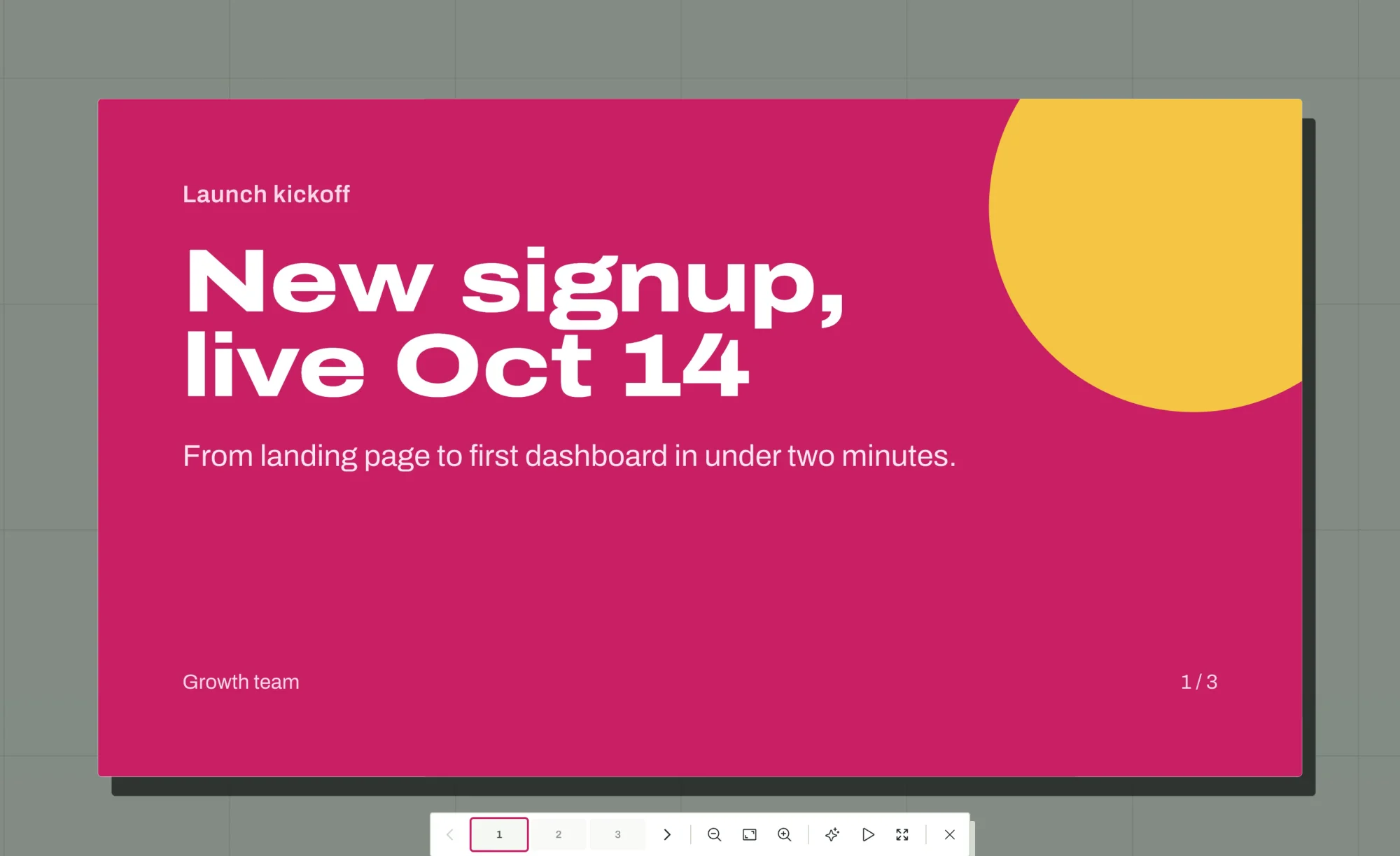
Then present straight from the board. Select the slides, press Present, and the camera moves from slide to slide with the rest of the board dimmed. Present to everyone takes everyone on the board along. See Presenting.
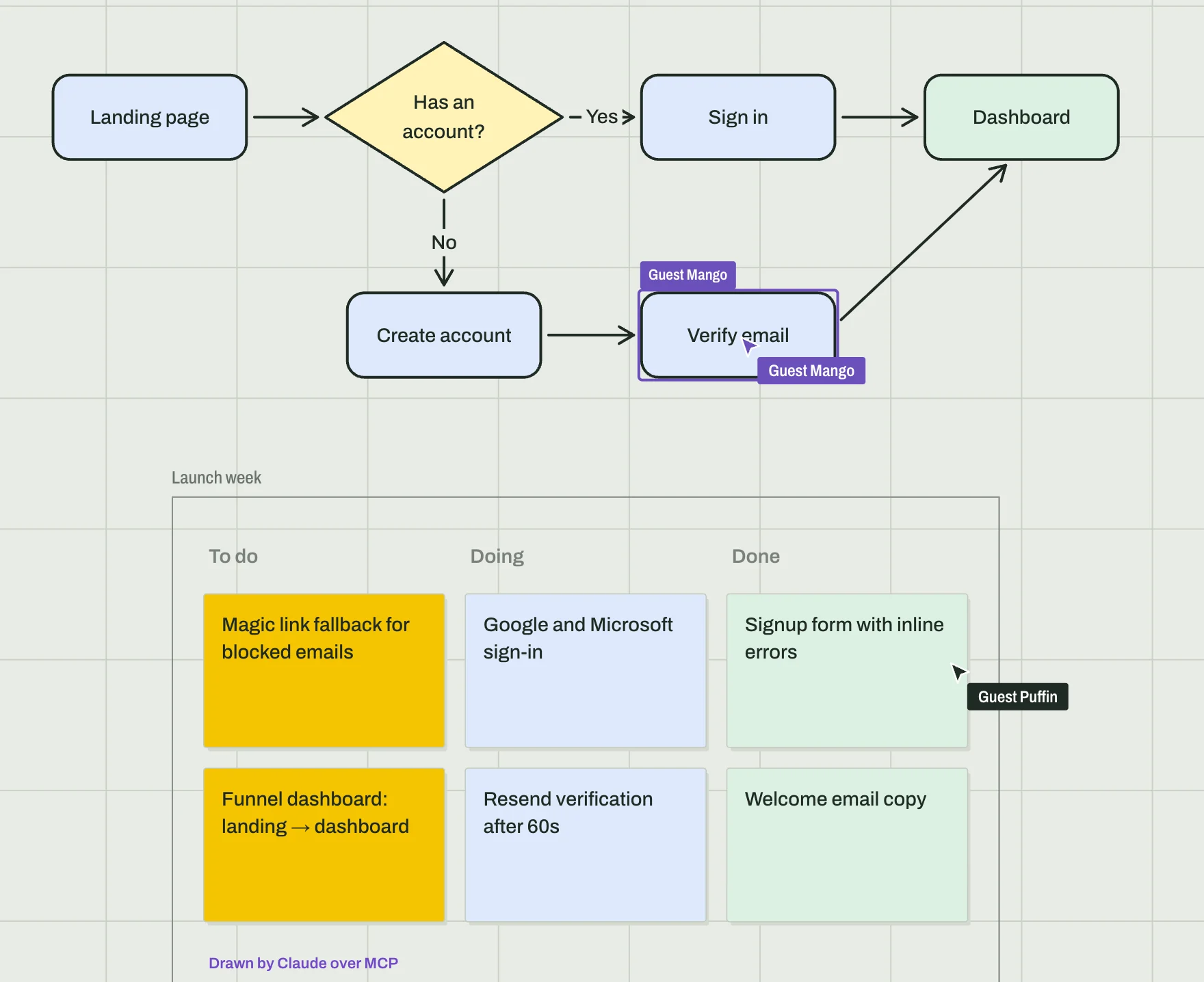
Video calls, live cursors and comments, free
Both tools let people draw together through one link, free. Flett adds what a team usually opens another app for: video calls on the board itself, with each face next to its cursor, comments pinned to a spot, presenting to everyone, following someone around, and watching a YouTube video together. Guests join without an account to draw, comment and talk; only asking the AI needs one, so nobody spends your balance by joining. See Working live, Video calls and Share a board.
Excalidraw import: paste your drawings in
You do not have to start over. Select shapes in Excalidraw, copy them, and paste them on a Flett board. Or drop a saved .excalidraw file on it. Rectangles, diamonds, ellipses, arrows that stay attached, lines, text, sticky notes, freehand strokes, images, frames and Excalidraw's colors all come in as Flett items you can keep editing. Things Flett has no match for, like embeds, are left out, and a message says how many. See Export and save.
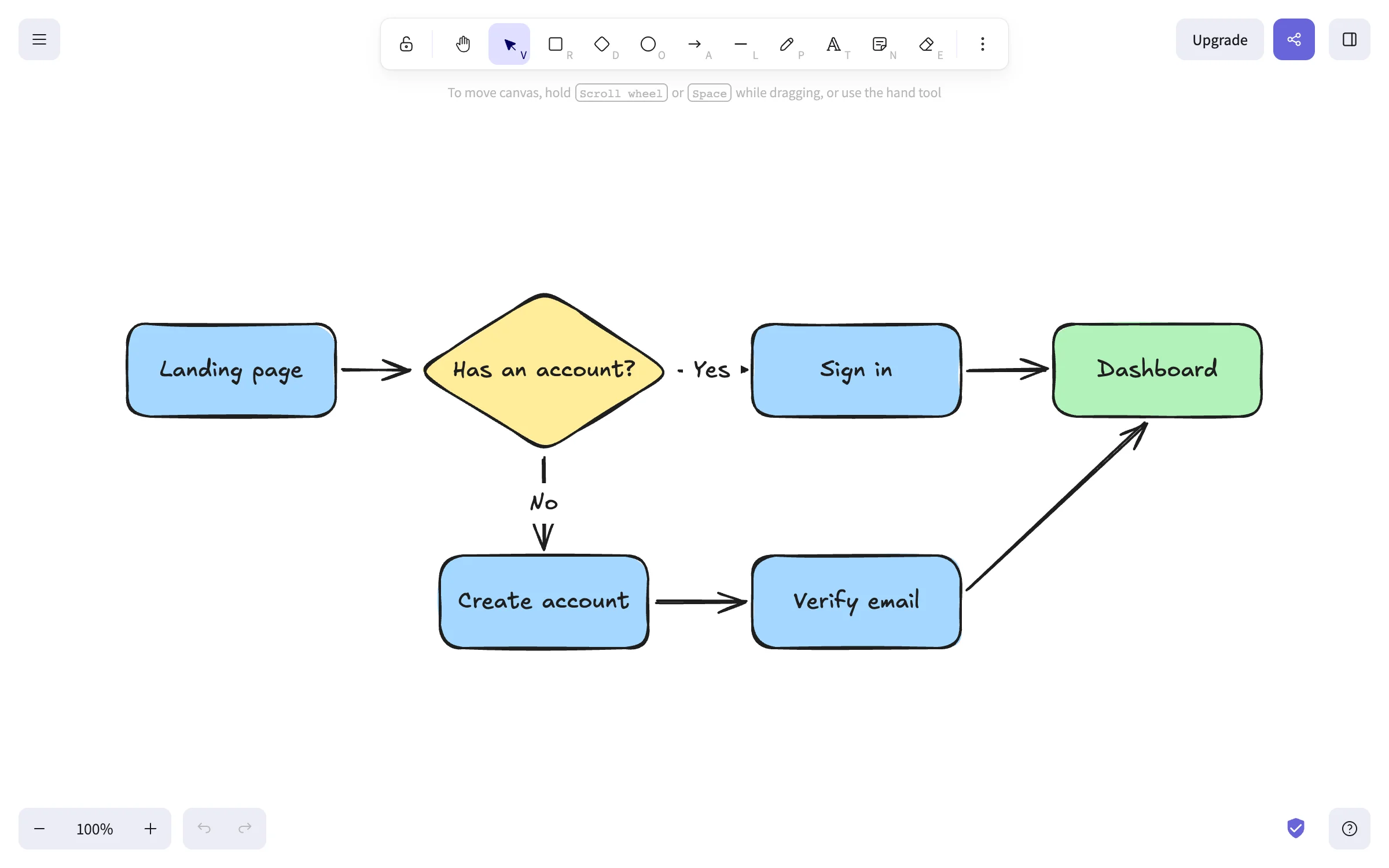
Excalidraw
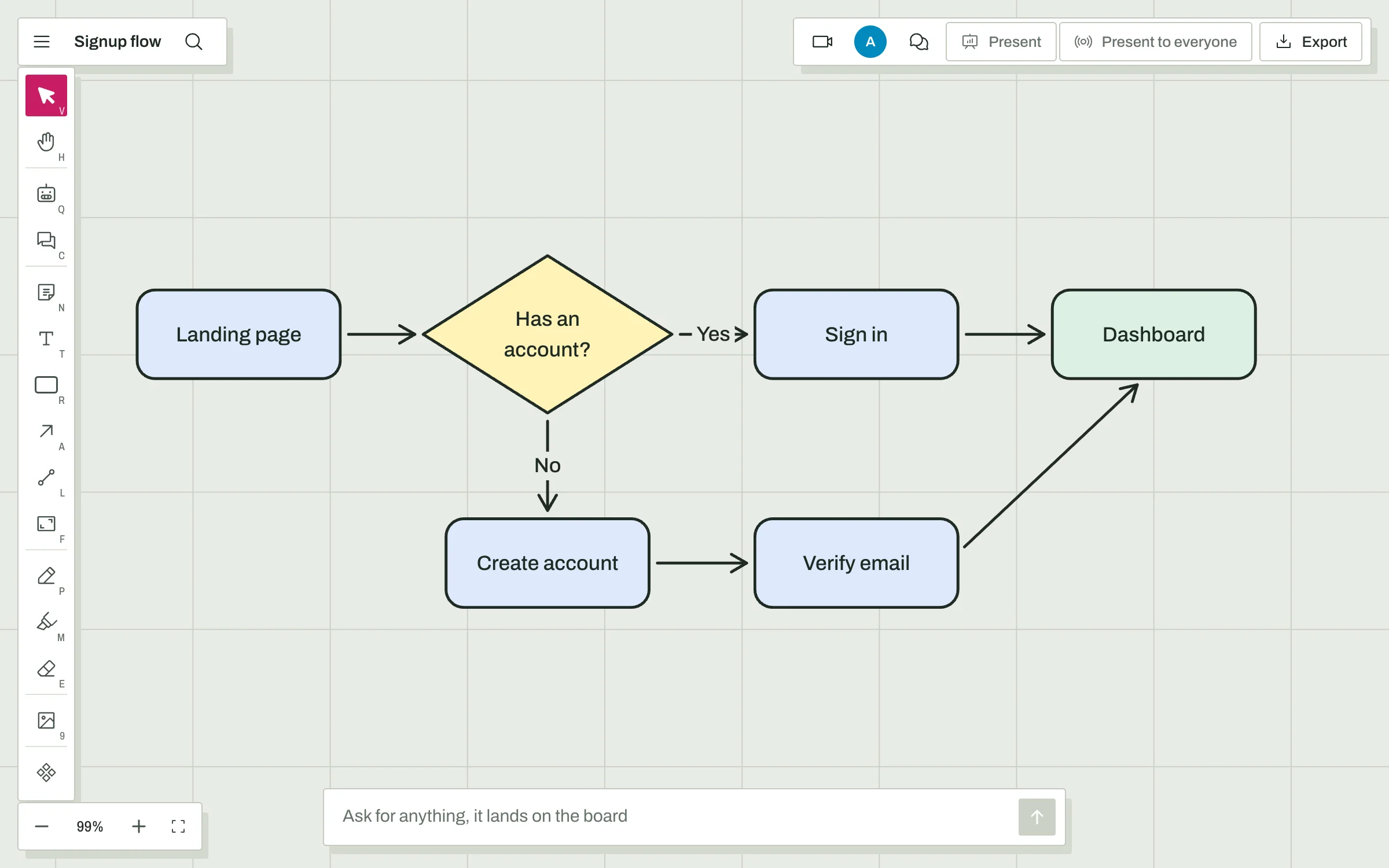
Flett
Excalidraw wins on: sketch look, open source, offline
- The hand-drawn look
- Nothing sketches like Excalidraw. Flett's shapes are clean.
- Open source
- Excalidraw is MIT licensed and its editor can be hosted yourself. Flett is not open source.
- Offline and encrypted
- Excalidraw works offline as an app and encrypts what you share end to end.
- Exporting drawings
- Excalidraw exports any drawing as PNG or SVG. Flett exports the AI's sheets; notes and shapes stay on the board.
Pricing: free to start
- Flett
- Free with up to 3 boards. Plus is $12 a month and Pro $30, per account, not per person, and the whole price becomes AI usage that rolls over. On a shared board the owner pays for the AI; everyone else joins free.
- Excalidraw
- Free with one scene and unlimited collaborators. Excalidraw+ is $6 per user a month paid yearly or $7 monthly, with a 14 day trial, for unlimited scenes, cloud sync, presentations, comments, voice and more AI.
Flett's plans and limits are on Plans and usage. Excalidraw's prices are from its own pricing page and may have changed since.
FAQ
- Is Flett a free alternative to Excalidraw?
- Yes. Drawing, sharing, calls and comments are free, and guests join without an account. The AI is paid per use, and your first sign-in comes with a small free allowance to try it. Plans from $12 a month turn the whole price into AI usage.
- Can I bring my Excalidraw drawings to Flett?
- Yes. Drop a .excalidraw file on a board, or copy shapes in Excalidraw and paste them. Shapes, arrows, text and their colors come in as Flett items you can keep editing. Things Flett has no match for, like embeds, are left out, and a message says how many.
- Can Claude draw in Excalidraw too?
- Yes. Excalidraw has an official MCP app that draws diagrams inside the chat, and Excalidraw+ has an MCP server in beta. With Flett, what Claude makes lands on a shared board next to everything else, and can be a document, a slide deck, a page or a React app as well as a diagram.
- Does Flett have the hand-drawn style?
- No. Flett's shapes and notes are clean. If the sketchy look is what you love, stay with Excalidraw.
- Is Flett open source?
- No. If you need to read the code or host the whiteboard yourself, Excalidraw is the better choice.
What this page says about Excalidraw was checked against its own website on 2026-10-07. Spotted something that has changed? Tell us and we will fix it.